
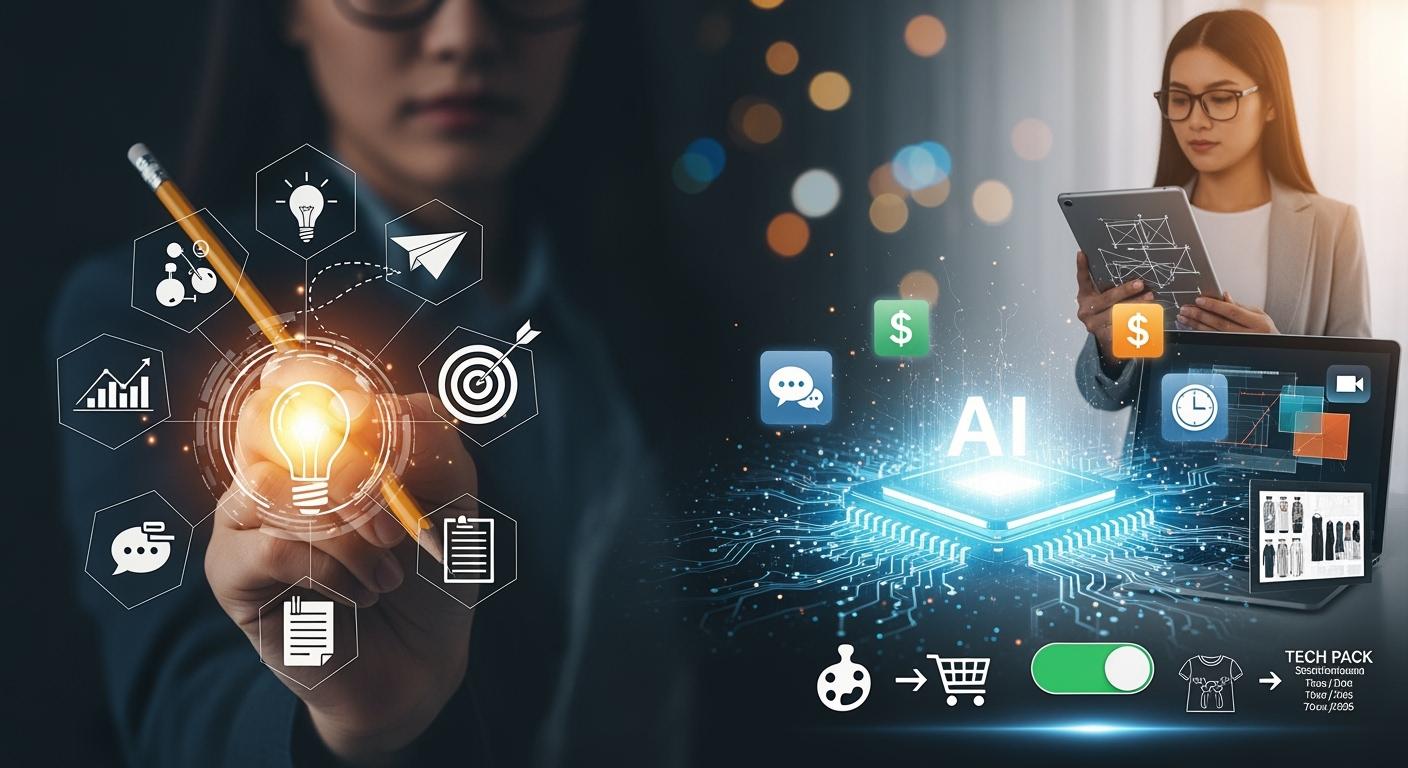
You can now connect your mood board to a finished tech pack in minutes, thanks to AI. Instead of spending days on manual tasks, you watch the process speed up and become more accurate. Check out the numbers:
| Metric | Before AI (Time) | After AI (Time) | Accuracy Improvement |
|---|---|---|---|
| Tech Pack Creation Time | Several days | 8 to 10 minutes | High degree of confidence |
AI tools in fashion design also boost creativity and make the process easier for everyone. Zalando, Nike, and Tommy Hilfiger have already seen faster results, better ideas, and lower costs. Imagine how these changes could help you create smarter, more exciting collections.
Traditional Mood Board to Tech Pack Process
Manual Mood Board Creation
You probably remember the first time you built a moodboard for a new fashion collection. You start with a feeling or vibe you want your designs to express. You gather images, colors, and textures that match your vision. The process feels creative, but it can also get messy. You might use magazines, Pinterest, or even your phone’s camera roll. Sometimes, you end up with too many ideas and not enough focus. To make a strong mood board, you need to pick images that tell a clear story. You also have to choose a color palette that works for every design in your collection. Texture and tone matter, too. You think about how fabrics will look and feel. This step sets the mood for everything that comes next.
Design Development Challenges
After you finish your moodboard, you move to the design phase. Here, things can get tricky. You might use different tools for sketches, notes, and feedback. Product data often gets scattered. Maybe you save one version of a design on your laptop, but your team uses another. This can lead to confusion and mistakes. Check out some common problems:
| Challenge | Description |
|---|---|
| Disconnected Product Data | You keep info in too many places, which causes errors. |
| Version Control Issues | Teams work on old versions, so samples don’t match your latest mood board or design. |
| Sample Delays and Rework Cycles | Feedback comes late, so you fix the same design over and over. |
| Scaling Product Development Without Structure | More designs mean more chaos if you don’t have a solid process. |
You can see how these issues slow down your fashion projects and make it hard to keep your moodboard and tech pack in sync.
Tech Pack Compilation Issues
Now comes the tech pack. This document acts as your instruction manual for making each garment. You need to include stitching diagrams, construction steps, and measurement sheets. If you miss details, you risk mistakes in production. Here are some headaches you might face:
- Missing compliance data can cause customs problems.
- Unclear instructions lead to rework at the warehouse.
- Overlooked details hurt quality control.
- Financial losses happen when you need corrections.
- Miscommunication causes delays and sampling errors.
- Disorganized files make it hard to find what you need.
- Incomplete specs mean your final design might not match your moodboard.
You spend hours double-checking everything. Even then, errors slip through. Without ai, you do all this by hand, and it takes a lot of time and energy. The traditional process makes it tough to keep your mood board, moodboard, and tech pack connected from start to finish.
AI in Fashion Design Workflow
AI Mood Board Generation
You don’t have to spend hours cutting, pasting, or searching for the right images anymore. With ai moodboard tools, you can create a mood board in minutes. These tools scan thousands of images, colors, and textures. They pick out the best ones for your theme. You just type a few words, upload a photo, or select a vibe. The ai does the rest.
Let’s see how ai moodboard tools change your workflow:
| Feature | Traditional Mood Boards | AI-Driven Mood Boards |
|---|---|---|
| Nature | Static visual collections | Active, data-rich starting points |
| Attribute Identification | Manual tagging and identification | Automated identification and tagging |
| Workflow Integration | Inspirational artifact only | Integral part of production workflow |
| Error Reduction | Prone to human error | Streamlined production reduces errors |
| Design Innovation | Limited to designer's creativity | Enhances innovation through data analysis |
You get more than just pretty pictures. The ai moodboard tools tag each image with details about materials, color, and style. You can link your moodboard to your design files. This means you don’t lose your vision as you move from mood board to tech pack. You also save a lot of time and money. For example, ai can cut mood-board generation time by 6–10 hours per project. If you work on eight projects a quarter, you could save over $25,000 a year. That’s a big win for any fashion designer.
AI-Assisted Design Development
Now, you can use ai fashion design software to turn your moodboard into real designs. You don’t need to switch between Excel, Illustrator, or other old tools. Heuritech, Style3D, and Onbrand AI Design are some of the top ai tools for fashion design. These platforms help you predict trends, pick the right materials, and create 3D models of your garment.
Here’s how ai fashion design software helps you:
- It gathers data from social media, e-commerce, and runway shows.
- It uses machine learning to spot new trends and colors.
- It gives you feedback on your designs based on real-time data.
- It helps you choose the best materials and colors for your garment.
- It lets you experiment with patterns and styles quickly.
Check out how ai improves trend prediction and design feedback:
| Example | Description |
|---|---|
| Expanded Data Sources | AI uses live social video, Google trends, and local sentiment for better forecasting. |
| Short- and Long-term Forecasting | AI models predict seasonal and viral trends more accurately. |
| Design Feedback Loops | Trend data goes back into your design tools for better results. |
| Data Gathering | AI collects info from social media, e-commerce, and runway shows. |
| Sentiment Analysis | AI checks reviews and influencer posts to predict demand. |
| Inventory Management | AI helps you make only what you need, so you waste less. |
| Generative AI | AI creates new patterns and styles for you to try. |
| Deep Learning | AI makes many design variations fast. |
| Creative Control | You stay in charge, but you get more ideas and lower costs. |
With ai fashion design, you can move from moodboard to finished design in less time. You also make fewer mistakes. Your team can see changes right away. This keeps everyone on the same page.
AI Tech Pack Automation
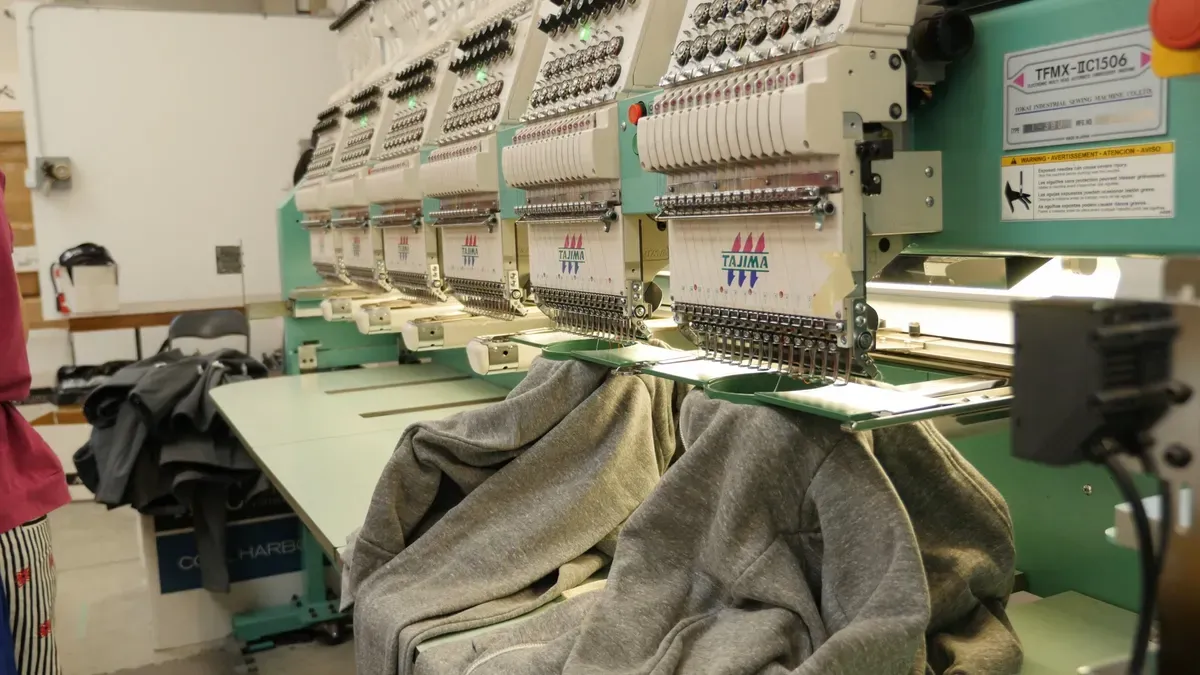
When you finish your design, you need a tech pack. This is where ai fashion design software shines. You don’t have to fill out endless Excel sheets or draw diagrams in Illustrator. AI Tech Packs and other ai tools for fashion design do the heavy lifting. They turn your design files and moodboard into a factory-ready tech pack in minutes.
Here’s what you get with ai tech pack automation:
| Benefit | Description |
|---|---|
| Increased Speed | AI cuts tech pack creation from 4-8 hours to just 8-10 minutes. |
| Reduced Costs | Fewer sampling errors mean you save money in production. |
| Improved Clarity | Better instructions help factories make your garment right the first time. |
You can see the time savings add up fast. For example, if you need tech packs for 200 styles, ai can save you 2,800 hours. That’s more time for you to focus on design and less on paperwork. You also get a production-ready output that factories can use right away. This means your manufacturer-ready tech pack has all the details about materials, color, and construction. You avoid costly mistakes and delays in production.
With ai fashion design software, you connect your moodboard, design, and tech pack in one smooth workflow. You get better results, faster production, and happier teams. The ai revolution in fashion is here, and it’s making life easier for designers everywhere.
Step-by-Step AI Fashion Design Process
AI Mood Board Creation
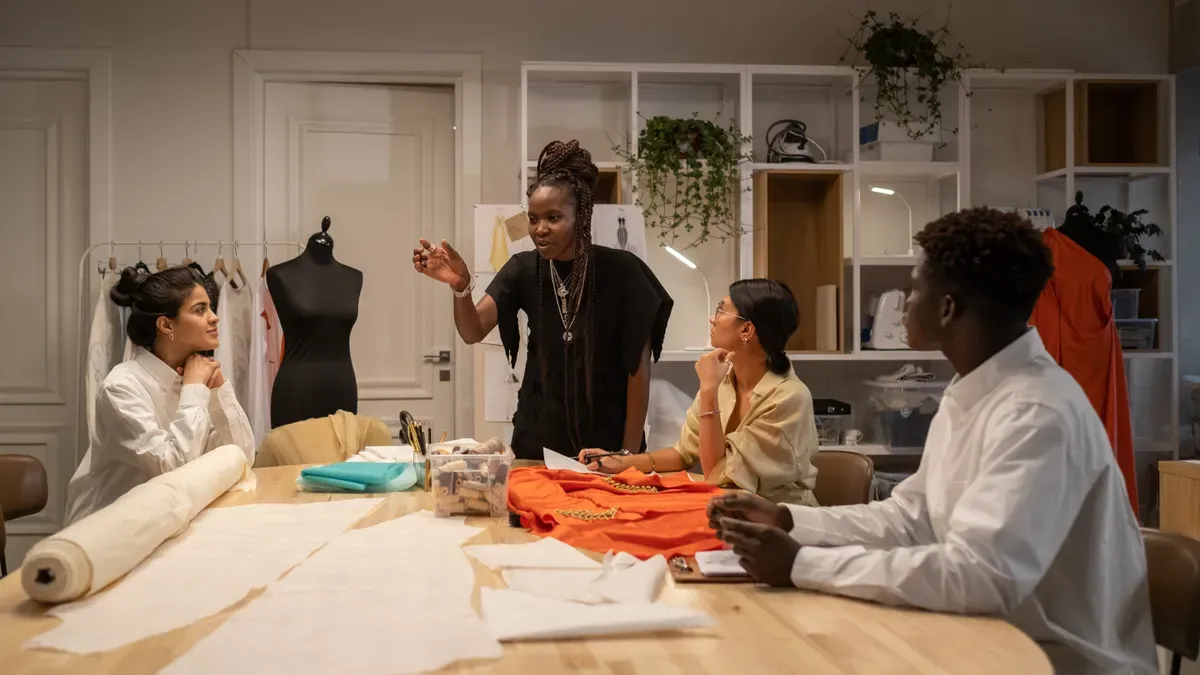
You start your ai fashion design journey with a moodboard. You can upload images or type a prompt. The ai moodboard tools scan your visuals and pull out the best ones for your theme. You see your inspiration come to life in seconds. You can group visuals by tone, texture, or category. You tag or label each image for easy scanning. You keep your boards organized and focused. You mix ai-generated assets with real sketches and fabric scans. You ground your moodboard in your product direction. You link your moodboard to briefs, tech packs, or presentation files. You keep continuity in your design workflow.
Tip: Involve your team early. Collaborate during the concept phase. Shape the direction together.
You can see how ai moodboard tools make the process faster and more creative. You save hours and keep your vision clear. You use ai fashion design software to connect your moodboard to the next steps.
| Workflow Stage | Description |
|---|---|
| Moodboard Input | You begin with a visual concept, either generated by ai from a prompt or uploaded as images. |
| Brand DNA Filter | The system analyzes your moodboard through your brand’s unique color palettes and design language. |
| Creative Direction | The ai synthesizes your moodboard signals with the brand filter to create a structured brief. |
| Garment Concepting | The system proposes garment concepts that match your inspiration and brand identity. |
| Downstream Workflow | The validated garment concepts become production-ready outputs, like tech packs and line sheets. |
AI Material and Color Selection
You move to material and color selection. You use ai fashion design software to pick the best materials for your garment. The ai scans your moodboard and suggests materials that fit your theme. You see options for sustainable fabrics and eco-friendly manufacturing. You get info about waste control and how to reduce production waste. You learn about color combinations that match your brand and moodboard. You make choices that help the planet and your collection.
- AI enhances sustainability in fashion by optimizing design processes and reducing waste.
- It informs you about sustainable materials and color combinations.
- AI applications include eco-friendly manufacturing and waste control.
You use ai fashion design to make smarter decisions. You keep your designs fresh and responsible. You see how ai tools for fashion design help you stay ahead in the industry.
AI Tech Pack Generation
You finish your design and need a tech pack. You use ai fashion design software to create a factory-ready tech pack in minutes. You don’t fill out endless sheets or draw diagrams by hand. The ai scans your moodboard and design files. It auto-fills details about materials, color, and construction. You get a manufacturer-ready tech pack with all the specs.
- Speed: Initial tech pack generation takes under a minute. Complete packs are ready in 10-30 minutes.
- Consistency: AI keeps all sections of the tech pack aligned and consistent. You reduce errors.
- Ease of Editing: You refine any section easily through ai chat. You don’t need multiple tools or version management.
You export a production-ready output that factories can use right away. You make quick edits and updates. You keep your tech pack clear and accurate. You avoid costly mistakes and delays in production. You see how ai fashion design software connects your moodboard, design, and tech pack in one smooth workflow.
Note: Linking your moodboard to your tech pack keeps your vision strong from start to finish.
You use ai fashion design to speed up fashion product development. You get better results, faster production, and happier teams. You see how ai makes life easier for fashion designers. You stay creative and efficient. You keep your workflow simple and powerful.
Impact and Limitations of AI in Fashion
Efficiency and Accessibility
You see big changes in the concept-to-production pipeline when you use ai fashion design software. You can move from moodboard to garment concepts in less time. AI helps you manage inventory and reduce waste during production. You get personalized shopping tools, like virtual try-ons, that make your designs more accessible. Small brands and independent designers now use tools like Revery.ai and ZMO.ai to create marketing images and virtual fitting rooms. These tools help you show your garment on different body types without expensive photoshoots. Ablo Ai and The New Black let you turn a moodboard into polished garment concepts and lookbooks. You can test ideas and get feedback before you start production. AI also helps you forecast trends by scanning social media and sales data. This means you can design what people want and avoid unsold materials.
Research shows that you need to watch for bias in ai systems. You want your pipeline to stay fair and open to all customers.
Accuracy and Consistency
You want your moodboard-to-sample loop to run smoothly. AI fashion design software improves accuracy in every step. You get fewer errors in your tech packs, so your first samples match your garment concepts better. AI checks past production runs and finds where measurements change too much. It uses computer vision to spot mistakes during production and alerts you right away. This keeps your garment quality high and your workflow consistent. You spend less time fixing errors and more time creating new concepts. The table below shows how ai reduces mistakes:
| Aspect | Manual Methods | AI-Assisted Methods |
|---|---|---|
| Error Rate | Higher | Lower |
| Time Efficiency | Hours | Minutes |
| Consistency | Variable | Consistent |
Creativity and Collaboration
You get more creative power with ai fashion design software. You can turn a moodboard into many garment concepts fast. Tools like Heuritech and Stylumia help you predict trends and design with confidence. Adidas uses ai to let you customize footwear, while Burberry uses it to personalize marketing. Figma lets you and your team work on the same garment file at the same time. You see each other's changes and leave feedback right on the project. This makes the concept-to-production pipeline more connected.
| Company | AI Application Description |
|---|---|
| H&M | Optimizes stock and predicts item popularity for better resource use. |
| Adidas | Lets you create unique footwear based on your preferences. |
| Burberry | Fights counterfeits and personalizes marketing. |
| Heuritech | Predicts trends and helps with garment concept creation. |
| Stitch Fix | Personalizes styling and automates product descriptions for customers. |
AI isn’t just a tool. It acts like a silent team member, helping you spot risks and shape your product direction.
Current Limitations
You still need your own eye for style. AI cannot judge if a garment concept fits your brand or culture. Sometimes, ai creates garment images with odd seams or materials that do not drape well. You must adjust the output to match your brand voice. Many designers face challenges with data quality and connecting ai to old systems in the pipeline. High costs and lack of expertise can slow you down. You can start with small projects and learn as you go. Remember, ai helps you, but you guide the final concept and production.
AI transforms how you design, from mood board to tech pack. You save time on routine tasks and boost your creative output. Try using AI to organize ideas, suggest colors, and test new styles. Industry leaders recommend improving how AI fits into your workflow and making sure you stay in control.
| Recommendation | What You Can Do |
|---|---|
| Improve Task Fit | Use AI tools that work with your design software |
| Enhance Personalization | Adjust AI settings to match your style |
| Build Tech Confidence | Learn and experiment with new AI tools |
Start exploring AI today. You will find your workflow becomes faster, smarter, and more fun!
FAQ
What is a tech pack in fashion design?
A tech pack is a document you give to manufacturers. It includes all the details about your garment, like materials, colors, measurements, and construction steps. You use it to make sure your design comes out right.
How does AI help with mood boards?
AI lets you create mood boards in minutes. You upload images or type a prompt. The tool finds matching visuals, tags them, and organizes everything for you. You save time and keep your ideas clear.
Can AI replace fashion designers?
No, AI cannot replace you. You still make creative choices and set the vision. AI helps with routine tasks and gives you more ideas. You stay in control of your designs.
What are the best AI tools for fashion design?
Here are some popular options:
- Heuritech
- Style3D
- Onbrand AI Design
- Revery.ai
Tip: Try a few tools to see which one fits your workflow best.
Is AI hard to use if I am new to fashion tech?
You can start with simple tools. Many AI platforms have easy interfaces and tutorials. You do not need to know coding. You learn as you go and get better with practice.
See Also
Revolutionizing Fashion Retail With AI-Driven Safety Stock Strategies
Innovative Pricing Approaches Leveraging AI Technology Today
AI-Enhanced Production Scheduling Based On Demand Insights