
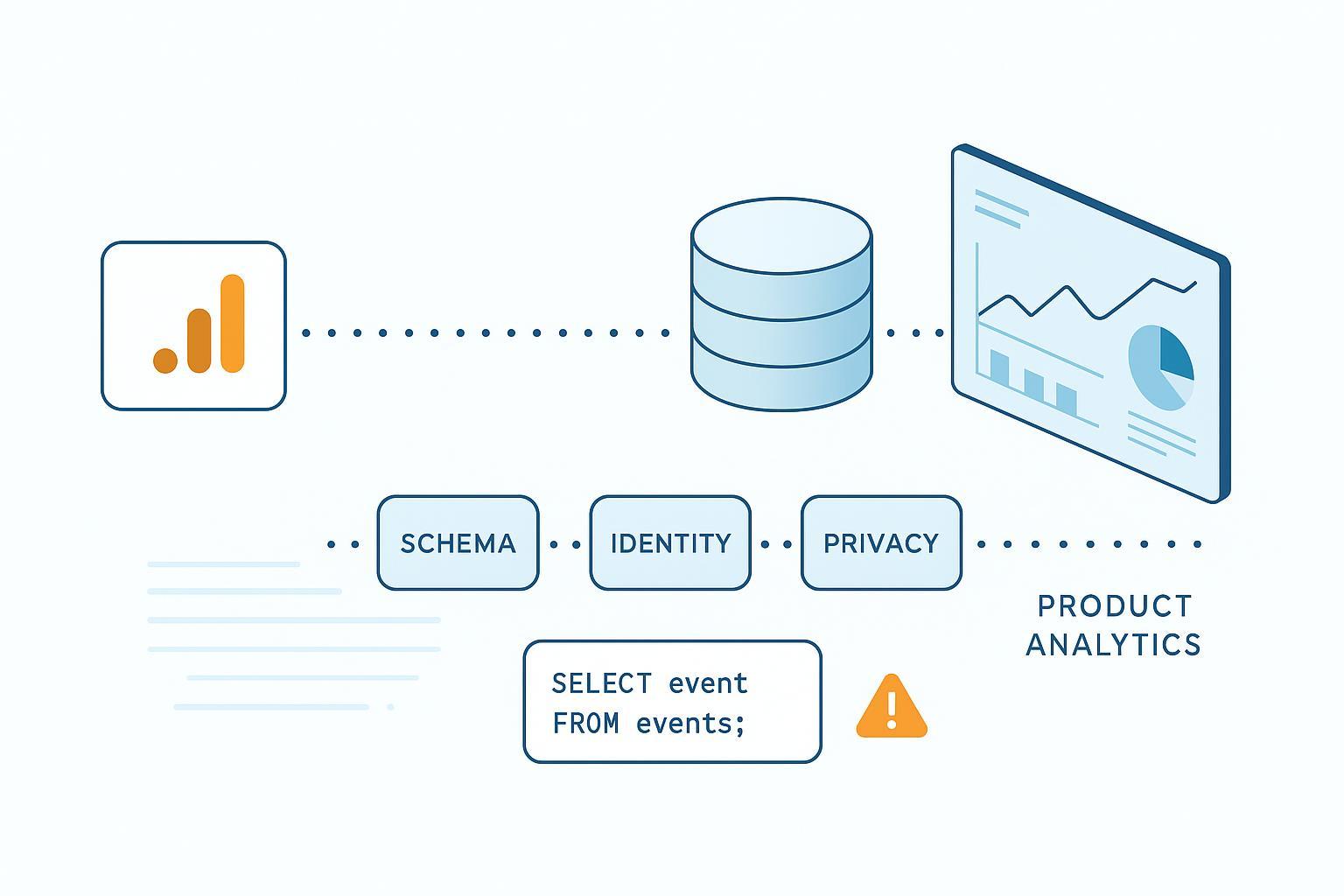
If you’re shifting from GA4 to a dedicated product analytics stack, parity is not the goal—trust is. The two worlds model behavior differently: GA4 is session- and attribution-oriented; product analytics is sequence- and entity-oriented. Here’s a senior engineer’s playbook for avoiding the most common GA4 to product analytics migration mistakes, with concrete checks and fixes you can run this week.
How to avoid GA4 to product analytics migration mistakes (quick frame)
Before the details, align on three anchors: document a one-page measurement plan, harmonize schemas instead of lifting GA4 1:1, and dual-run long enough to reconcile. Keep identity, privacy, and observability as first-class concerns from day one.
1) Skipping a measurement plan
Without a tracking and measurement plan, teams cargo-cult GA4 events and ship noise. Start with business questions and work down to events.
What good looks like: For each KPI, document a precise formula, then map the minimal event set and typed properties needed to compute it. Include owner, allowed values, nullability, and data-quality checks. According to Google’s own guidance on how GA4’s UI and BigQuery differ, definitions and scopes shift between views, which is exactly why clarity up front matters—see the overview in Google’s Developers post on bridging GA UI and BigQuery (2023).
Pragmatic template (capture this in your tracker, not a slide): Business question; KPI name and formula; Event name; Required properties with types and allowed values; Optional properties; Owner; Downstream usage (dashboards/models); Quality checks (uniqueness, non-null); Privacy notes (no PII). That simple discipline prevents most GA4 to product analytics migration mistakes before they form.
Mitigate: Freeze this plan before you touch tags. Review cardinality caps and reserved keys in your target tool (e.g., Mixpanel reserved/identity guidance).
2) Treating GA4 as a 1:1 source instead of harmonizing the schema
GA4 packs custom parameters into event_params arrays; most product tools and warehouses want flat, typed properties with consistent naming.
Symptoms you’ll see: “not_set” channels, inconsistent casing, surprise high-cardinality text fields, and broken funnels where a required property is sometimes a string and sometimes numeric.
Mitigate: Create an explicit mapping and enforce types on ingestion. GA4 BigQuery export documents the key fields (event_timestamp, event_name, user_pseudo_id, user_id if present) and dedupe keys like event_id/transaction_id—see BigQuery export schemas.
Example GA4 → product analytics mapping:
| GA4 BigQuery field/param | Target event/property | Transform/notes |
|---|---|---|
| event_name = add_to_cart | event = add_to_cart | Keep lower_snake_case; verb_noun for actions |
| event_params.key = item_id (string) | product_id (string) | Flatten; validate not null |
| event_params.key = quantity (int) | quantity (int) | Cast to int; default 1 if missing |
| user_pseudo_id | device_id | Map as anonymous identifier until login |
| user_id | user_id | Use as stable ID post-auth |
| event_params.key = transaction_id | transaction_id | Enforce global uniqueness per purchase |
Governance tip: version schemas (event_version) and block writes that violate type contracts.
3) Underestimating identity stitching
Relying on GA4’s client/session IDs won’t unify cross-device behavior in product analytics. Symptoms include match rates stalling after login and funnels fragmenting across devices.
Mitigate with deterministic merges and lifecycle hygiene. For Mixpanel, plan distinct_id lifecycle; call identify() on login; reset() on logout; understand alias/$merge semantics—see Mixpanel identity management overview. For Amplitude, merge device ID (anonymous) to user ID on authentication; pass device IDs cross-domain; be aware of data mutability modes—see Amplitude identity FAQ and Browser SDK guidance.
Track the health of identity with a simple warehouse query (adapt to your schema):
-- Weekly identity match-rate after login events
WITH login_events AS (
  SELECT user_pseudo_id, user_id, TIMESTAMP_MICROS(event_timestamp) AS ts
  FROM `project.dataset.events_*`
  WHERE event_name = 'login'
), post_login AS (
  SELECT e.user_pseudo_id, e.user_id
  FROM `project.dataset.events_*` e
  JOIN login_events l
    ON e.user_pseudo_id = l.user_pseudo_id
   AND TIMESTAMP_MICROS(e.event_timestamp) >= l.ts
)
SELECT
  FORMAT_DATE('%G-%V', DATE(TIMESTAMP_MICROS(event_timestamp))) AS iso_week,
  COUNTIF(user_id IS NOT NULL) / COUNT(*) AS match_rate
FROM `project.dataset.events_*`
GROUP BY 1
ORDER BY 1;
4) Creating duplicates or losing events during parallel tracking
Running Enhanced Measurement, GTM rules, and “Create event” at once often doubles your fires—or, worse, suppresses them under consent. You’ll notice two add_to_cart per click, purchase spikes on deployment day, or missing transaction_id on a subset of orders.
Mitigate: Use GA4 DebugView and GTM Preview to trace triggers. Disable overlapping Enhanced Measurement where you have explicit tags, and remove redundant “Create event” rules. Practitioner guides like Analytics Mania’s piece on duplicate events in GA4 are helpful. Validate ecommerce params in Google’s ecommerce setup guide.
Warehouse backstop for duplicates:
-- Flag duplicate purchases by transaction_id per day
SELECT
  DATE(TIMESTAMP_MICROS(event_timestamp)) AS d,
  event_params.value.string_value AS transaction_id,
  COUNT(*) AS cnt
FROM `project.dataset.events_*`, UNNEST(event_params) AS event_params
WHERE event_name = 'purchase' AND event_params.key = 'transaction_id'
GROUP BY 1, 2
HAVING COUNT(*) > 1
ORDER BY d DESC, cnt DESC;
5) Expecting attribution and sampling parity
GA4 centralizes attribution models and lookback windows; product tools typically attribute per event or funnel step. Your channel numbers will differ—this is one of the most frequent GA4 to product analytics migration mistakes in stakeholder expectations.
Mitigate: Document GA4 attribution settings (model, 7–90 day lookbacks) and explain why a funnel view in product analytics won’t mirror acquisition reports. Google details retroactive application of settings and lookback ranges—see Attribution settings API overview and key event lookback windows. When defining commerce KPIs, consider how bundles and attach-rate logic affect conversion counting; for deeper context on KPI design in ecommerce, see WarpDriven’s neutral primer on bundle performance measurement.
6) Skipping shadow runs and cutover rehearsals
If you don’t dual-run for long enough, you’ll miss regressions that only show under traffic. Send events to both systems for 2–6 weeks. Compare daily totals, purchase completeness, and identity match rates. Expect 2–10% variance depending on consent and attribution. Investigate >20% swings.
A simple daily delta table helps prioritize:
-- Daily events vs GA4 UI export/API table (example join by date)
WITH product_counts AS (
  SELECT DATE(event_time) AS d, COUNT(*) AS events
  FROM analytics.product_events
  GROUP BY 1
), ga4_counts AS (
  SELECT DATE AS d, events FROM analytics.ga4_ui_daily
)
SELECT p.d,
       p.events AS product_events,
       g.events AS ga4_events,
       SAFE_DIVIDE(p.events - g.events, NULLIF(g.events,0)) AS pct_diff
FROM product_counts p
LEFT JOIN ga4_counts g USING (d)
ORDER BY d DESC;
7) Ignoring ETL realities: late data, timezones, and freshness
Late-arriving events and timezone mismatches create phantom drops. Normalize all event times to UTC at ingestion; in dbt, add incremental lookbacks; in BigQuery, watch job lags and partition pruning. dbt’s best practices discuss consistent UTC naming and freshness monitoring; BigQuery exposes INFORMATION_SCHEMA.JOBS for pipeline observation.
In practice, hold three guardrails in mind as prose, not a checklist: store timestamps in UTC and only localize at presentation; use incremental models with a small lookback window so late events land; and enforce freshness SLOs (for example, alert if min/max event_timestamp lags real time by more than two hours in streaming contexts).
8) Treating privacy and Consent Mode v2 as an afterthought
Mis-mapped consent or PII leakage will break attribution and invite regulatory trouble. Implement Consent Mode v2 correctly (ad_user_data, ad_personalization alongside analytics_storage/ad_storage) and verify with Tag Assistant—see Google’s consent mode overview and verification steps. Regulators like the ICO and CNIL outline narrow exemptions and strict consent requirements; review their guidance on analytics cookies and enforcement: ICO’s exceptions explainer and CNIL’s audience measurement guidance. This article is not legal advice—coordinate with counsel.
In day-to-day engineering terms, treat privacy as a contract: ban PII in event payloads; propagate consent state with each event; set regional defaults at the tag layer; test denial flows end to end; and ensure DSAR exports are effortless from your warehouse.
9) Flying blind on observability and data quality
If you can’t see schema drift, freshness gaps, or falling identity rates, you’ll ship blind. Add expectations and monitors for schema, completeness, and freshness. Great Expectations can enforce presence, type, and freshness checks; Datafold can monitor schema changes and diff models between sources.
Example Great Expectations-style checks (pseudocode):
expect_table_columns_to_match_set:
  columns: [event_time, event_name, user_id, device_id, transaction_id, revenue]
expect_column_values_to_not_be_null:
  column: transaction_id
  mostly: 0.999
expect_column_values_to_be_between:
  column: revenue
  min_value: 0
  strict_min: true
expect_table_row_count_to_be_between:
  min_value: 0
  max_value: 10000000
For background on approaches, see Great Expectations’ discussion of freshness validation and Datafold’s write-up on data monitors best practices.
A neutral micro-example: centralizing ingestion and validation with WarpDriven Nexus
Many teams migrate while juggling events from web, mobile, checkout systems, and backend jobs. One pragmatic pattern is to centralize ingestion into a pipeline layer, apply schema/identity/privacy checks, and then fan out to your product analytics tool and warehouse.
As one example of such a pipeline layer, WarpDriven Nexus can accept multi-source events (SDKs, webhooks, files), validate them against a declared tracking plan (types, required fields, max cardinality), and normalize timestamps to UTC before forwarding to destinations. In practice, you’d declare an event contract for, say, purchase: require transaction_id (string), currency (ISO code), value (numeric), and user identifiers (device_id required; user_id optional pre-login). Events that fail validation land in a quarantine stream with reasons attached. Identity hygiene can be applied at the edge: attach device IDs, merge to user IDs on login, and emit a weekly match-rate metric to the warehouse. Consent state travels with the payload so downstream tools can honor it.
This hub-and-spoke approach doesn’t guarantee parity with GA4, but it reduces silent failures. Whether you implement it with Nexus or your own middleware, the key is to make schema contracts executable, not just documented, and to surface validation errors where engineers will notice. If you keep those principles in place, you’ll avoid the most common GA4 to product analytics migration mistakes without slowing delivery.
Launch-day smoke test, distilled
In a staging window, run GTM Preview and GA4 DebugView; confirm only one add_to_cart per action and that purchase carries unique transaction_id, value, and currency. Verify Consent Mode pings in Tag Assistant under both allow and deny states. Once live, run three end-to-end journeys (desktop Chrome, Safari, Android). Confirm events in the product tool UI and in the warehouse within your freshness SLO. Scan monitors for schema drift and volume anomalies. Skim the daily delta table and identity match-rate—treat swings above twenty percent as a stop-ship until explained.
What to do next
Finalize a one-page measurement plan, then ship the smallest viable event set with strict typing. Dual-run for a few weeks and instrument the reconciliation SQL and monitors above. If you don’t have a pipeline layer, evaluate build vs buy options for schema validation and routing (Nexus-style hubs, open-source SDKs, or your own middleware). These steps will help you sidestep the most impactful GA4 to product analytics migration mistakes and build trustworthy product data sooner.